LES.R&D is the technical side of the studio: production problems solved once, then turned into instruments that can be used again.
The order matters and it is the whole argument. The tools here were not designed in the abstract. Each began as a real obstacle in real work, was solved as an artist first, and only then became something reusable.
SELECTED WORK / 03
Projects inside the field
Project facts paired with moving image and render material from the studio archive.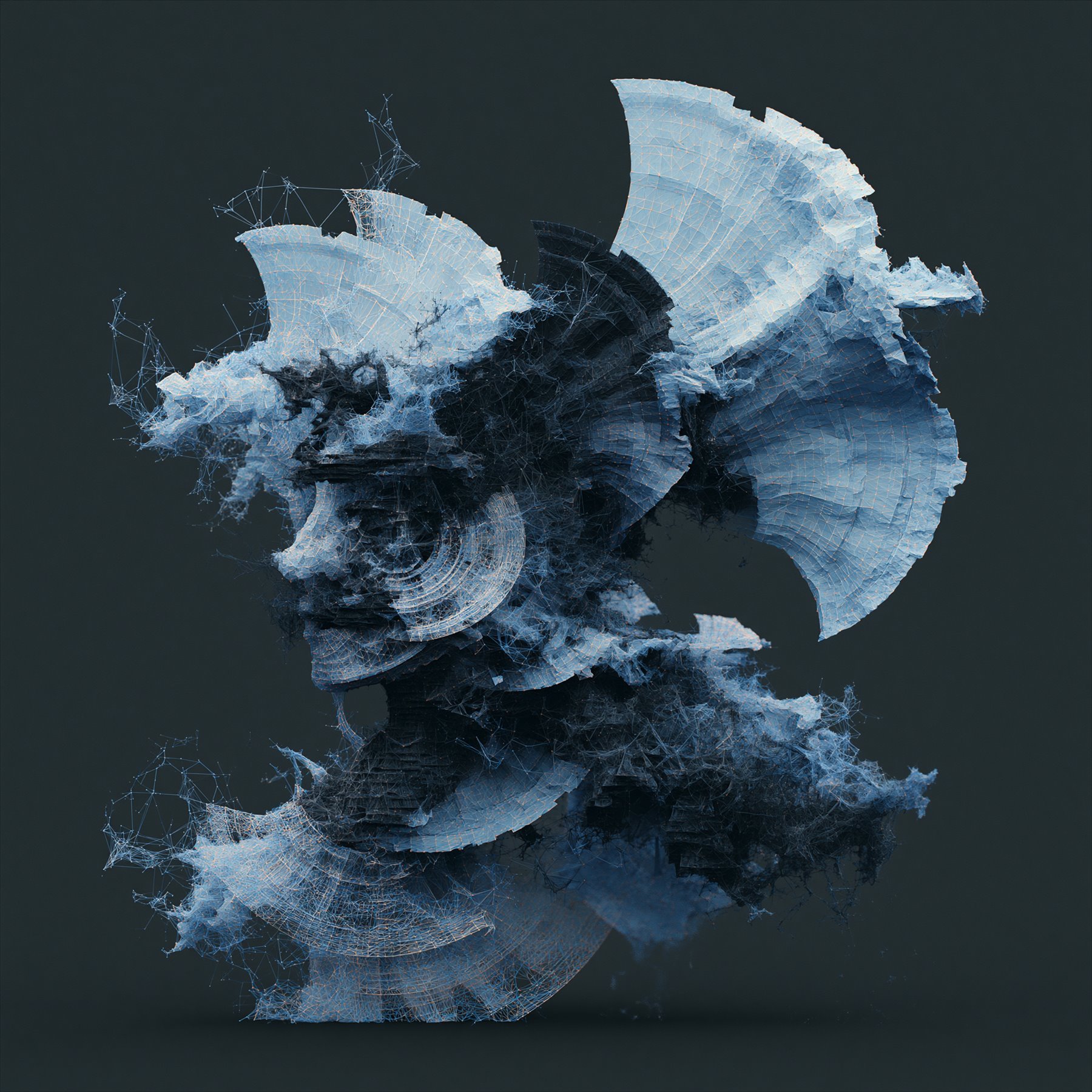
01 / Blender / production tool
LES.Organ
- PROBLEM
- A film needed real internal anatomy and a camera able to move through it. There was no production-ready route from CT and MRI datasets into the Blender scene.
- NOW
- The obstacle became a Blender add-on: non-standard data could become usable scene material instead of a dead end in the pipeline.
- ROLE
- Workflow design, add-on development and non-standard data integration.
- TOOLS
- Blender / Python / CT / MRI data
02 / Houdini / atmospheric systems
Cloud Atlas
- PROBLEM
- Atmosphere had to be regenerated rather than repainted every time a shot changed.
- NOW
- A reusable Houdini core with phenomenon modules above it, clouds first, architected so further volumetric phenomena extend the core instead of forking it. In development.
- ROLE
- HDA architecture, procedural volume design and reusable production research.
- TOOLS
- Houdini / HDA00 / HDA01 / Volumes / VDB
03 / Real-time / WebXR
Particle Visualizer
- PROBLEM
- Interactive work needed half a million particles to stay alive on a screen and inside a headset — and to keep running when the device drops.
- NOW
- A WebGPU and WebXR engine of its own: GPU-resident particles, controller input, audio and MIDI reactivity, presets, recording, spatial audio and device-loss fallback. Currently 0.3.0-alpha.4.
- ROLE
- Systems engineering, interaction, audio and MIDI reactivity, spatial audio and recording.
- TOOLS
- WebGPU / WebXR / GPU compute / HRTF audio
FIELD NOTESRead the complete studio notes+
LES.Organ came from a film that needed genuine internal anatomy — a Blender add-on that brings real CT and MRI data into the scene. A first version exists, with a test head dataset.
Cloud Atlas came from wanting atmosphere that could be regenerated rather than repainted — a Houdini core asset (HDA00) with phenomenon modules above it (HDA01 for clouds), architected so that other volumetric phenomena extend the core instead of forking it. In development.
Particle Visualizer came from interactive work and became a WebGPU and WebXR engine in its own right: 500,000 GPU-resident particles, Quest 3 support, audio and MIDI integration, presets, recording and device-loss fallback.
A further line of research generates anatomical structure from growth logic and constraints rather than decorative randomness. Specification stage.
Stack: Python and the Blender Python API, Houdini HDA authoring with VEX and VOP, WebGPU and GPU compute, WebXR, audio and MIDI integration, Cascadeur, and AI-assisted steps where they genuinely help.
The measure applied to a tool here is whether it survives its author: parameters that mean something, defaults that are safe, failure that is loud, and documentation written for whoever inherits it.
If you already know which area you need, the specific pages go further: Houdini for procedural systems, and Blender for production and add-ons.
YOU BRING
Tasks people arrive with
Real briefs from the work below — the shape of a first message, not a form.
- 01
A film needed real internal anatomy and a camera able to move through it. There was no production-ready route from CT and MRI datasets into the Blender scene.
- 02
Atmosphere had to be regenerated rather than repainted every time a shot changed.
- 03
Interactive work needed half a million particles to stay alive on a screen and inside a headset — and to keep running when the device drops.
FIRST STEP
Start with what you know.
Four questions, and what comes back: what we would take, and which part we would start with.- 01What are we making?
- 02What should it do or change?
- 03What already exists?
- 04Timing, format or constraints?
ANSWER THE FOUR PROMPTSOpens a short email brief+
PROJECT CHANNEL / 08
Start a conversation
Tell us what you are making, what the work needs to do, and where it needs to go.
Bird@InTheLES.studio↗