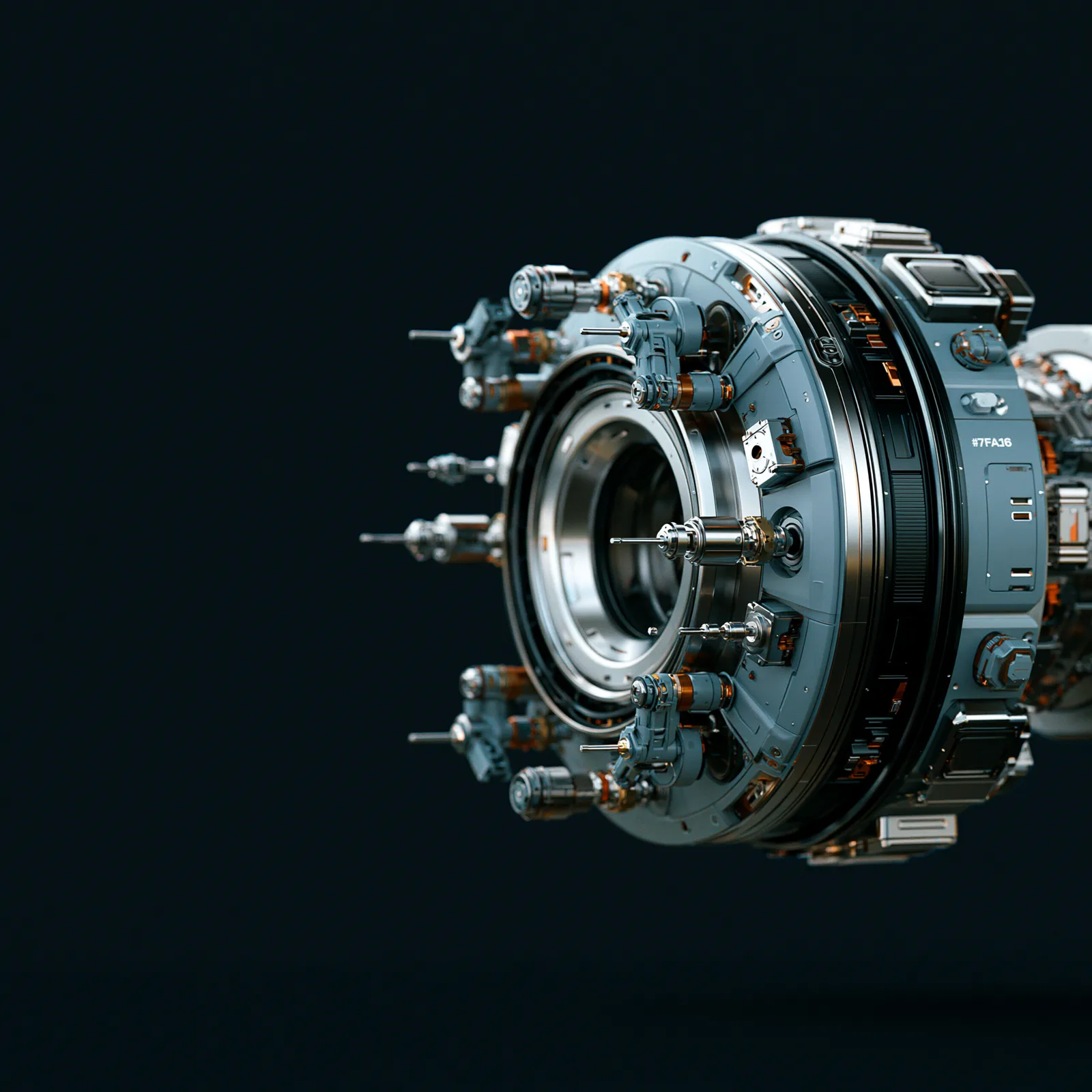
We take a piece of production in Blender and carry it through: animation, cameras, scene assembly, lookdev, rendering and hand-off. The work is done as production, not as a demonstration of what Blender can do.
SELECTED WORK / 04
Projects inside the field
Project facts paired with moving image and render material from the studio archive.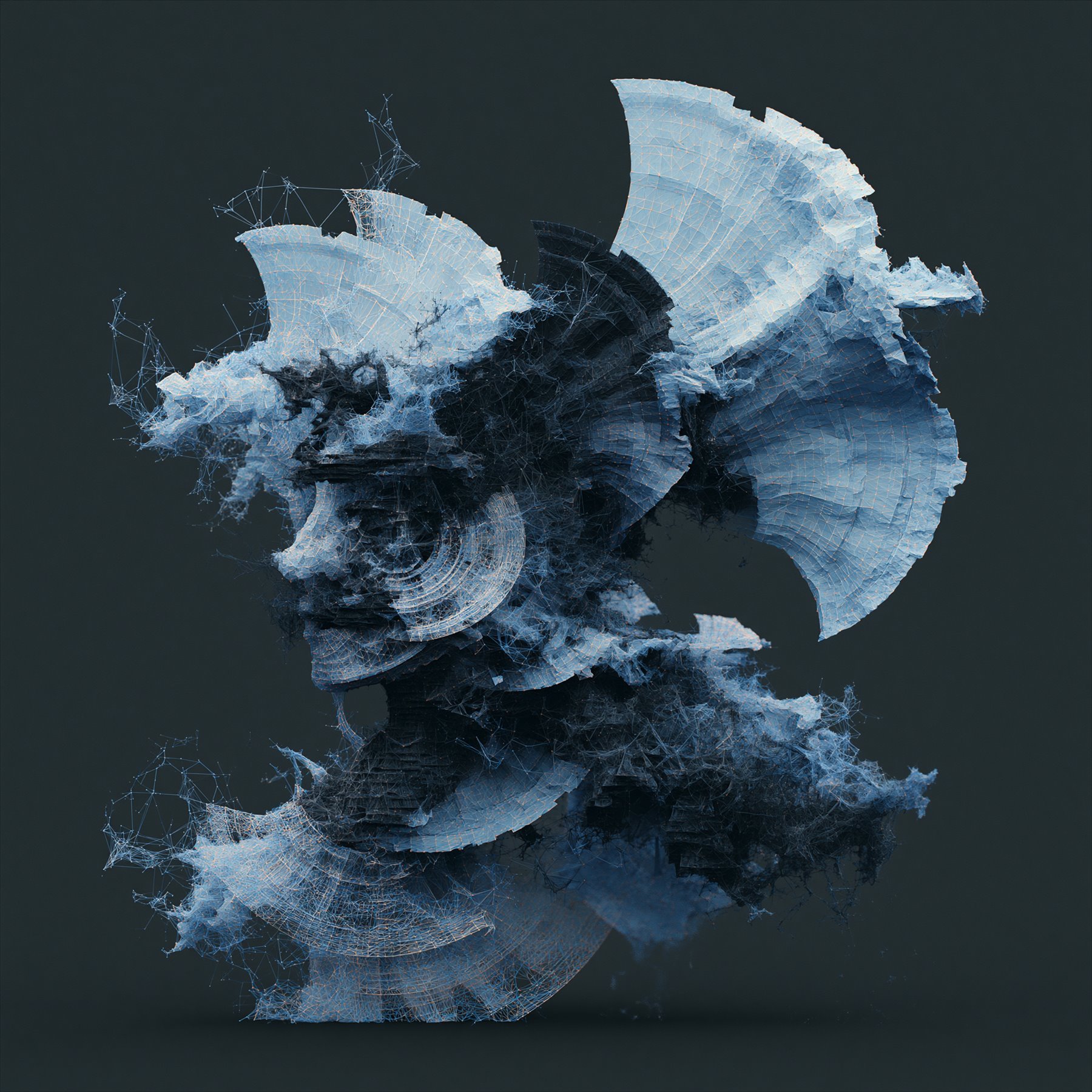
01 / Blender / production tool
LES.Organ
- PROBLEM
- A film needed real internal anatomy and a camera able to move through it. There was no production-ready route from CT and MRI datasets into the Blender scene.
- NOW
- The obstacle became a Blender add-on: non-standard data could become usable scene material instead of a dead end in the pipeline.
- ROLE
- Workflow design, add-on development and non-standard data integration.
- TOOLS
- Blender / Python / CT / MRI data
02 / 3D / procedural environments
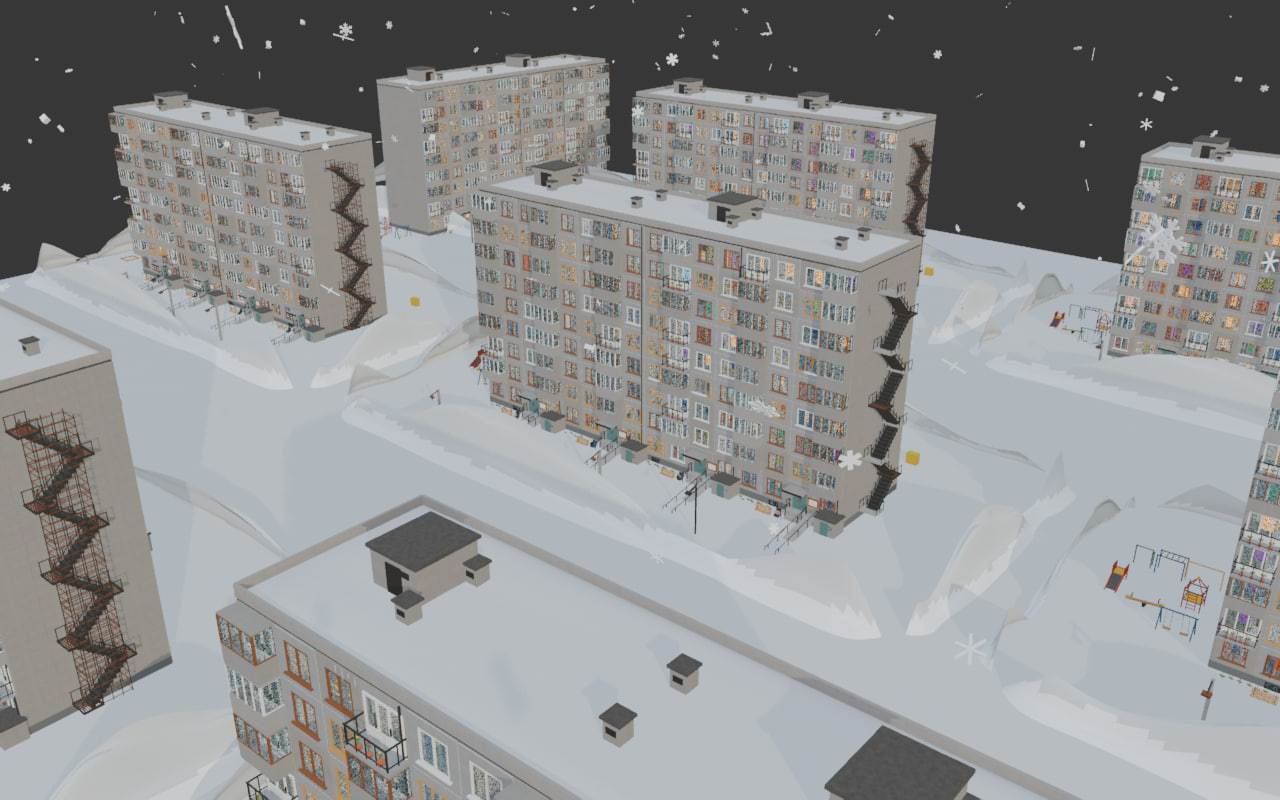
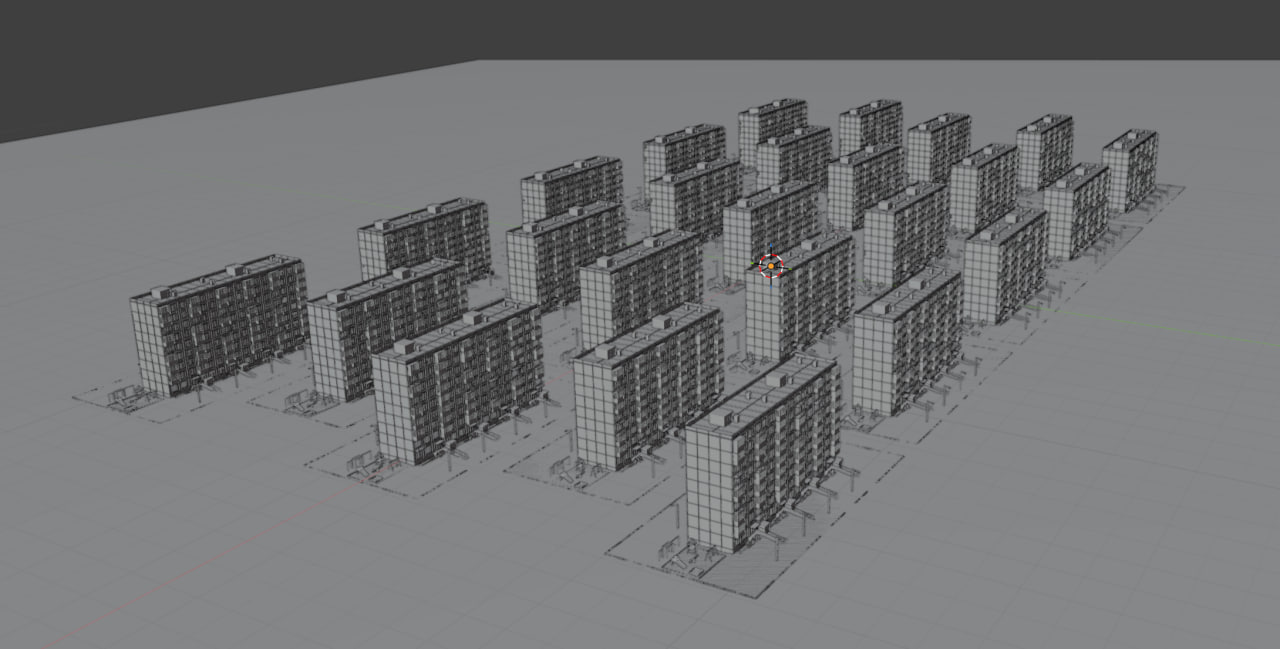
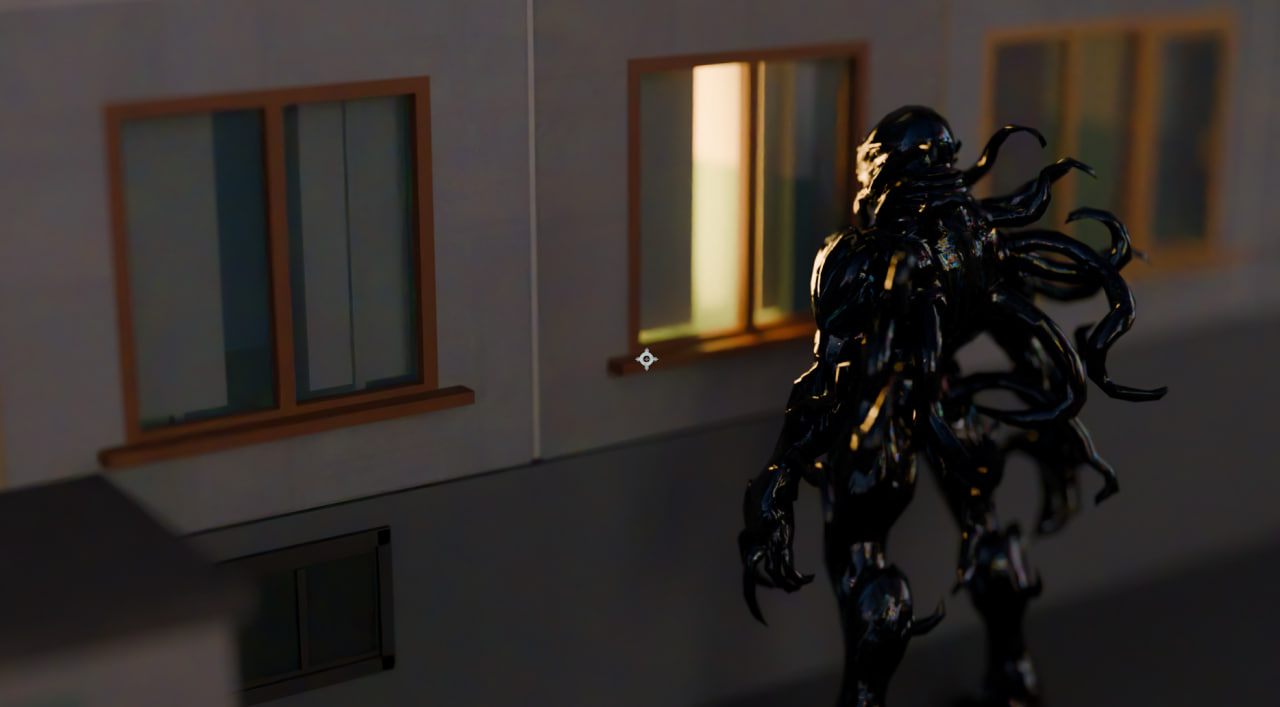
LUCID Panelka Generator
- PROBLEM
- A district could not be rebuilt by hand for every shot, note or late change. The environment had to stay controllable at the scale of a film.
- NOW
- A reproducible system generates buildings, courtyards and city-scale variation from parameters, while keeping the world editable and art-directable.
- ROLE
- Procedural world-building, production tooling, environment states and art-directable variation.
- TOOLS
- Blender / Python / Geometry Nodes
03 / 2D + 3D / procedural image
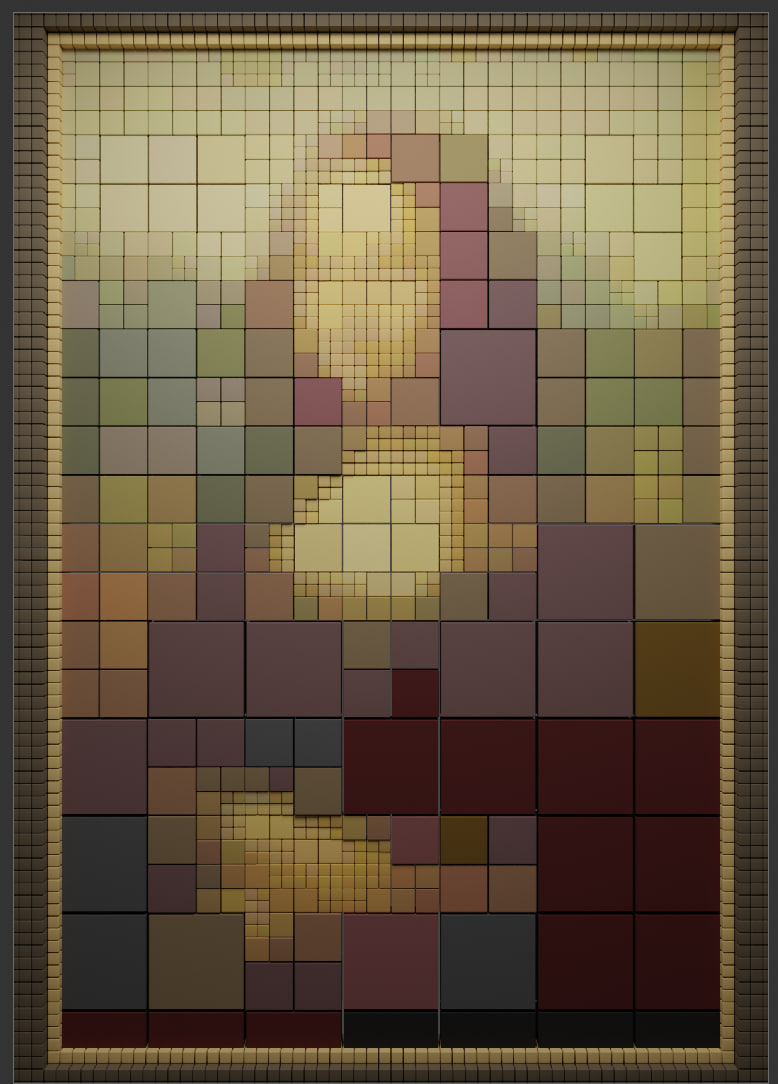
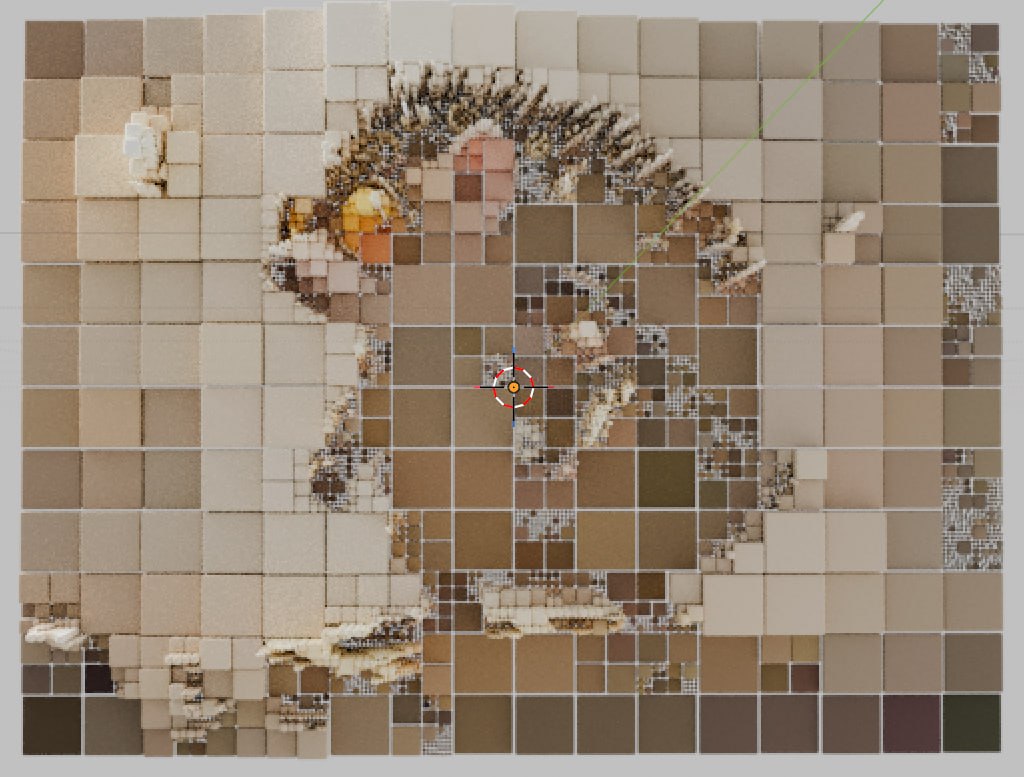
Cube Mosaic
- PROBLEM
- An ordinary image had to become spatial material without collapsing into decorative noise, and the degree of abstraction had to stay a decision rather than an accident.
- NOW
- An add-on reads the picture — brightness, colour, local detail, density — and rebuilds it as controllable geometry, so one source travels from recognisable mosaic to abstraction under a parameter.
- ROLE
- Image analysis, Blender add-on development, procedural geometry and motion.
- TOOLS
- Blender 5.1 / Python API / NumPy / Geometry Nodes
04 / Game production / cutscenes
MORIII / Pathologic 3
- PROBLEM
- Physically plausible character animation still needed to arrive intact in scene assembly and camera work.
- NOW
- The hand-off between Cascadeur and Blender became a dependable production chain rather than a one-off workaround.
- ROLE
- Animation workflow, cross-application hand-off, scene assembly and cameras.
- TOOLS
- Cascadeur / Blender
STUDIO ARCHIVE / 03
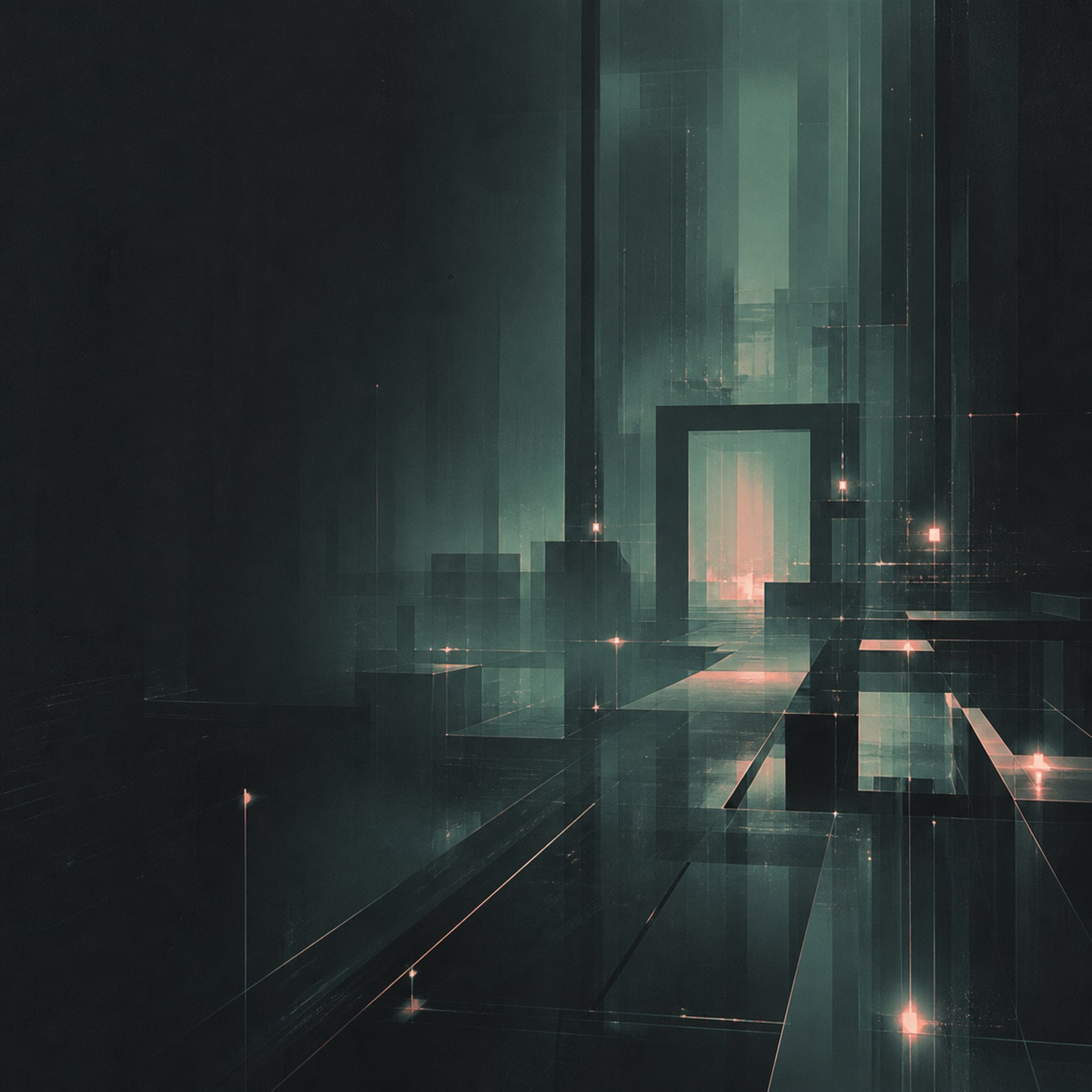
Blender motion studies
Selected renders from the studio archive.FIELD NOTESRead the complete studio notes+
The second half of the job is what remains after the shot is finished.
A scene should not depend on the memory of the person who built it. It should be possible for someone else to open it, understand it, change it and reproduce the result. That means clear structure, production naming, exposed parameters where changes are expected, sensible defaults, and as little hidden logic as possible.
Tooling comes second, and only when the work reveals that it is needed.
If the same import, conversion, retarget, setup or preparation step is being repeated by hand, we look for a way to remove it: a Blender add-on, a Python tool, a convention or a repeatable setup. The same person who makes the shot also sees where the process is fragile, so the tool is built from the actual production problem rather than designed in isolation afterwards.
LES.Organ came out of exactly this kind of situation. LUCID needed real internal anatomy and a flight through it rather than a sculpted approximation. There was no reasonable workflow for bringing that material into Blender, so the solution became an add-on that loads real CT and MRI datasets into the scene as production material. A first version is already running against a test head dataset.
LUCID Panelka Generator is a Blender add-on that builds Soviet and post-Soviet panel housing as a procedural system: a single building, a courtyard, a microdistrict or a city-scale mass, generated from parameters. Version 0.13.1, Blender 5.0 minimum, tested in 5.1 and 5.2 LTS.
Underneath it: Python and Geometry Nodes, shared instances, point attributes, a deterministic Seed, multi-scene support, generator-owned data, safe regeneration, built-in validation and 54 automated tests. A district can be restored exactly from its Seed and coordinates, which is what keeps a city editable at the scale of a film rather than a single shot. Apartment lighting, facade typography, construction animation, destruction, snow, X-Ray and LOD modes and an Infinite Camera Pool all live inside the same system.
Cube Mosaic started as a visual experiment and stayed as a tool. It reads an image — brightness, colour, local detail, density — and turns it into an adaptive spatial mosaic of primitives: cubes, pyramids, cylinders and cones, with adaptive block sizing, luminance-driven height and the degree of abstraction left as a parameter. Blender 5.1, the Python API, NumPy and Geometry Nodes; instances can be realised into geometry when a scene needs it; motion comes as progress, random delay, wave, scatter, travel and looping. Image resolution is recommended up to 2048 and allowed to 4096 by hand, a limit that keeps a scene from becoming accidentally unworkable.
On MORIII / Pathologic 3, the work was a chain rather than a single task: Cascadeur was used for weight and physically plausible character motion, while Blender handled scene assembly, cameras and further production work. The useful part was not simply using two applications. It was making the transition between them reliable enough to become part of the workflow for following shots.
Typical problems we work with are straightforward:
- repetitive manual operations that should not remain manual;
- scenes that only work for the person who created them;
- animation and data that do not transfer cleanly between applications;
- late changes that force unnecessary downstream rework;
- non-standard data or production requirements for which no useful tool exists yet;
- Blender work that has to fit into a larger Maya, Houdini, Nuke, Cascadeur or After Effects pipeline.
The working stack includes Blender and the Blender Python API, Cycles, Cascadeur, rigging and retargeting, custom add-ons, pipeline automation, and hand-off into Nuke or After Effects.
Maya, 3ds Max, Cinema 4D, Nuke and Houdini came before Blender in the production history. That matters because the question is rarely only how to do something inside Blender. The more useful question is how that Blender work will survive the next artist, the next revision and the next application in the chain.
We can join as production support, take responsibility for a defined Blender stage, build a custom tool around a specific bottleneck, or work inside an existing studio pipeline.
YOU BRING
Tasks people arrive with
Real briefs from the work below — the shape of a first message, not a form.
- 01
A film needed real internal anatomy and a camera able to move through it. There was no production-ready route from CT and MRI datasets into the Blender scene.
- 02
A district could not be rebuilt by hand for every shot, note or late change. The environment had to stay controllable at the scale of a film.
- 03
An ordinary image had to become spatial material without collapsing into decorative noise, and the degree of abstraction had to stay a decision rather than an accident.
FIRST STEP
Start with what you know.
Four questions, and what comes back: what we would take, and which part we would start with.- 01What are we making?
- 02What should it do or change?
- 03What already exists?
- 04Timing, format or constraints?
ANSWER THE FOUR PROMPTSOpens a short email brief+
PROJECT CHANNEL / 05
Start a conversation
Tell us what you are making, what the work needs to do, and where it needs to go.
Bird@InTheLES.studio↗